
Desolate Planet - A Crash Landing Remake
Survive on a desolate planet while managing heat and thirst. Progress through the quest tree, learn the secrets of the planet, and build up technology to escape!
About
A hardcore survival modpack inspired by Crash Landing by Iskandar.
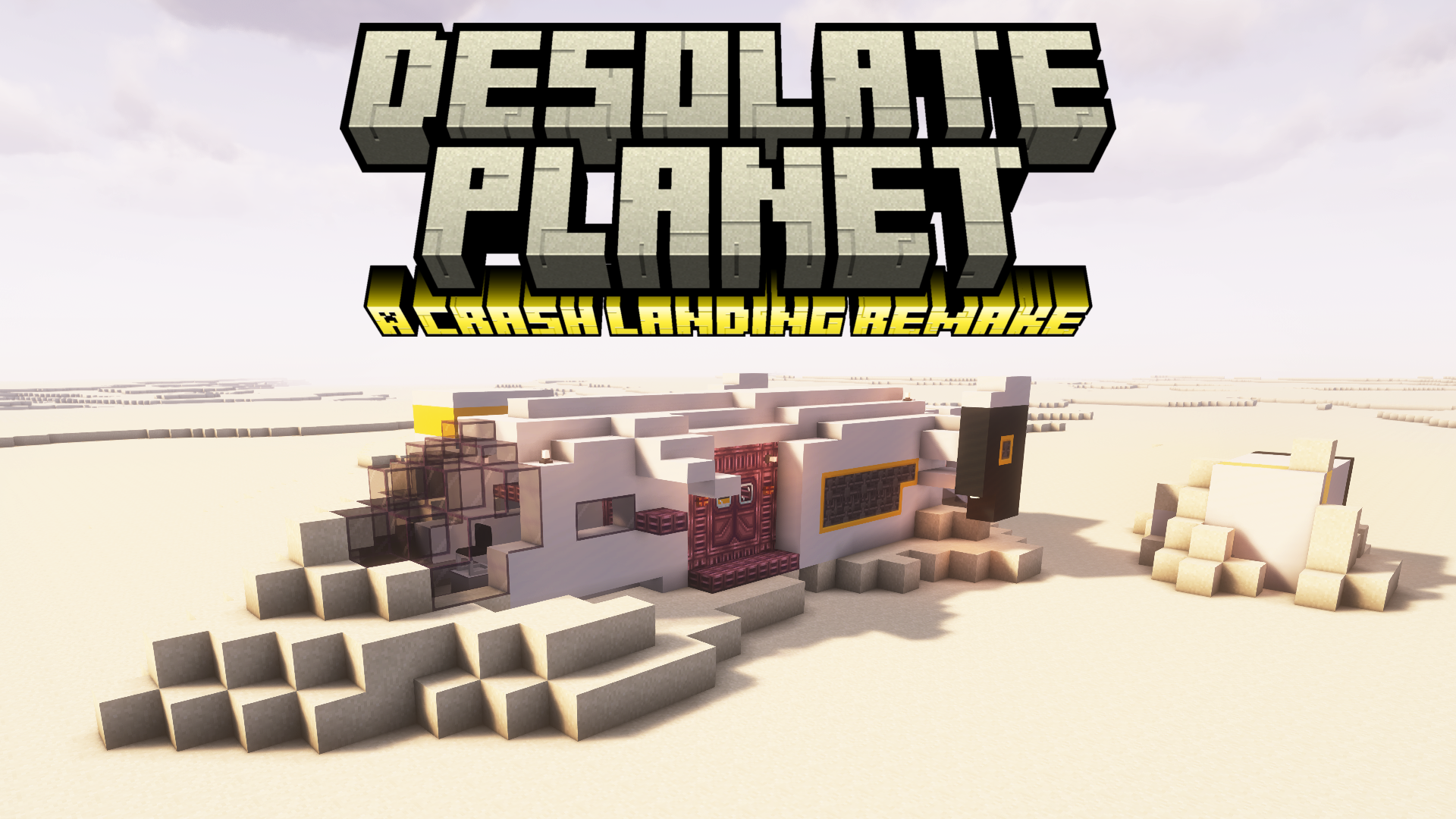


You have survived a crash landing on Planet T4L0S, an uncharted planet in the Varkin system. Preliminary scans indicate an arid environment with pockets of elevated radiation, high mineral content, and subterranean hydrocarbon reservoirs.
You will need to brave the blazing heat, find sources of food and water, scour the planet for resources, build up technology, and search for a way to escape the planet.
Desolate Planet is a challenging, quest-based modpack where you must struggle for survival on a dust planet with limited resources. The map is set to hardcore, you must use the Sync mod to build yourself more lives.
<div align="center">
<div align="center">


This pack is still under development. This version will still have bugs, and feedback is welcome.
Reach us directly on the Discord server: https://discord.gg/4en3SpWtJg
Or through the Subreddit: https://www.reddit.com/r/CrashLanding2Modpack
FAQ
Q: How do I install the modpack?
A: Download the Modrinth or Curseforge app, search for the name of the pack, and click install. Make sure you are using 6-8 GB of RAM in the modpack or launcher’s settings.
Q: How can I play multiplayer?
A: The e4mc mod is installed. To play multiplayer, simply open your world to LAN, and it will print an address in chat that other players can join with.
Q: How do I set up a server? Do you have a server pack?
A: If you aren't experienced with server hosting, see the answer above. If you are experienced with server hosting, server packs are available with most releases. On Modrinth, go to the latest version and scroll all the way to the bottom, past the mod list. On Curseforge, visit the files page, select the most recent one, and select "Additional Files".
Once downloaded, unzip the file and run it locally via the run.bat (Windows) or run.sh (Linux/Mac) files. If you use a server hosting provider, upload all the contents of the server pack to your host and find instructions for how to set up a Forge server on that host. These instructions are different for each server host, so find instructions specific to the one you are using.
Q: Why does my game/world gets stuck while loading in?
A: Make sure you have allocated at least 6 GB of RAM to the modpack. I usually recommend 8 GB if your computer has enough.
Q: How can I disable hardcore?
A: I strongly recommend learning to use the sync shells for extra lives, it’s what the game was balanced around. If you select the easy route, you’ll start with enough power for 3 shells. Follow the steps in the Sync quest for a detailed guide.
However, if you’ve tried that and still want to disable hardcore, you can edit the hardcore setting in config/globalgamerules-common.toml. On a server, the steps are slightly different. Download this file and replace the files on the server with the files in that zip. I recommend backing up the target files before replacing them.
Q: How do I get seared bricks/grout for a smeltery?
A: There is a Tinker’s Construct smeltery building in the cities, containing crumbling seared brick blocks. Break those with a hammer or pulverize them to get seared bricks.
Q: What is the best power source?
A: The quests include 3 recommended energy sources. The first is the Pitiful Generator, which is powered by burnable fuel and very slow. Once you get oil refining set up, you can use the Compression Dynamo to burn various types of oils. Finally, you can get a Nuclear Reactor in the end-game, which is a highly effective generation method. The quests will guide you through these three recommended methods, but other generators can be built along the way.
Q: Will updating to a new version break my world?
A: Generally no, you won’t have any issues. Only major releases break anything and there will be a description of exactly what they break near the start of the changelog. However, it is always a good idea to frequently back up your world.
Q: Can I help develop/contribute to the modpack?
A: Absolutely!
- For simple suggestions, create an issue or let us know on the Discord.
- For simpler submissions like textures, models, buildings, or other small files, you can send those to us and we can do the implementation work for you (if approved).
- For anything more complicated like full game mechanics, complex scripts, or large-scale config adjustments, you can submit a pull request on GitHub. See our Contributing Guide for information about setting up the modpack dev environment on your computer.
Q: Do you have a roadmap/list of planned updates?
A: Yes, the most up-to-date roadmap is in our discord. I have many plans for the future of this modpack and the roadmap details the next 6-8 major updates. Feel free to let me know what you think and what you think the future of this modpack should include.
Credits
Developed by:
- Pawjwp (Current lead developer)
- MarkSDR (Former lead developer)
- ULSTICK (Structures and other immersive content)
Other contributers:
- Nagasakii (Early development work and initial quests)
- QinlingP (Packwiz setup and preset seed mod)
- herobrian903 (Create quest line prototyping)
- Kilometers (Early development work)
- Mei-Nanita (Early recipe work)
- Pand1024 (Early github maintenance)
Original pack developer:
<div align="center">
All proceeds from this modpack will be donated to GiveWell.
Versions
1.8.3.0 tweaks some Diet effects and fixes a variety of small bugs. ## Highlights - Made diet modifiers less punishing at low levels, but also less powerful at high levels - The fruits meter now granularly adjusts regeneration speed instead of halting it at low levels - Tomatoes now provide both fruits and vegetables - Added recipe to transfer water from buckets to bottles - Precise temperature will now display in the UI (if needed, you can change units to Celsius in Cold Sweat options) ## Full Changelog **Misc Changes:** - The precise temperature now displays in the UI, even without wearing a thermometer - The game will now show advice on launch if you are under or over memory recommendations - Patched a bug where Thermal’s machines would consume entire stacks of bottles when they should have consumed just one - Fixed camel pack being able to accept dirty water - Fixed a bug where Sync shells in shell storage would not drop their Curios inventory when destroyed - Fixed a bug where Diet attribute modifiers would not properly clear when syncing - Disabled Create’s unlimited fluid extraction (only affects new worlds) - Added a few more tips - Added a few more item tooltips **Food/Diet Tweaks:** - Rebalanced Diet modifiers to make them less punishing at low levels, but less OP at high levels - High/low fruit meters now slow or speed up regeneration speed instead of halting it at low levels and giving regeneration at high levels - Tomatoes are now considered both fruits and vegetables for the diet mod - If a food is made from tomatoes but does not prominently feature them, the fruit tag will not be carried through to it - Updated staple fruit list to include tomatoes - Tweaked properties of Enderios: - Enderios now have a chance of providing a variety of different minor random effects when eaten. These effects are typically neutral to slightly positive, but there is a low chance to get very positive effects. - Enderios now fill all four major diet
1.8.2.0 adds loading screen tips, adds a few requested mods, and fixes a few major bugs with Sync, Ex Deorum, and structure loot. ## Highlights - Added loading screen tips - Sync changes: - Sync should no longer fail to respawn when using shaders - Sync is now compatible with Diet and Thirst Was Taken - Shell storage no longer needs redstone or power to maintain a shell - Fixed some issues with water in Ex Deorum barrels - Fixed some bugs with the spawning of the Matter-Energy Research Lab - Fixed chests in smeltery buildings being empty ## Full Changelog **Added Mods:** - Updated Sync: - Added compatibility with Thirst and Diet - Fixed some bugs when respawning when using shaders - The shell storage can now keep a shell alive when fully without power - Updated Ex Deorum: - Fixed an issue where filling a water bottle from a barrel would fill the bottle but not drain the barrel due to mismatched NBT values - Fixed issues where the barrel would treat water from bottles and buckets as different types of water - Set the map color of Dust, allowing it to display properly on maps - Tips (see Informational Changes section) - CFM Refurbished: Watt About Power - Allows CFM Refurbished machines to use modded power sources - LaserIO - Crafting Tweaks - Create: Connected **World Changes:** - Fixed issues that stopped the MER lab from spawning with loot correctly - Fixed a typo that caused tinkers chests to spawn with no loot - Monsters on the surface now spawn at the expected vanilla light levels instead of being allowed to spawn up to a light level of 5 **Informational Changes:** - Added the Tips mod: - Modpack tips will now appear on loading screens and in the game menu - Updated some tooltips: - Added detailed tooltips to Building Gadgets items - Added tooltip to dragon scales - Clarified location of seared and scorched bricks - Updated tooltips to mention that diamonds can now be gained from gravel - R
1.8.1.0 reworks loot tables, adds some more helpful information to item tooltips, and fixes some bugs. ## Highlights - Completely rebalanced most chest loot rewards - Chest loot is now visible in JEI - Added tooltips to a variety of items to clarify their source and some common bugs including: - Syncing to a shell will sometimes fail when using shaders - EnderIO fluid conduits will not properly transfer water with NBT data - Taking damage from a heat sink while wearing Tinkers’ Construct armor will cause a crash - Fixed bottles being able to pick up flowing water sources - Removed amadrone tablet and changed recipes for PCB templates and assembly templates - New modpack installations now have some default keybinds and a dark-mode loading screen ## Full Changelog **World Changes:** - Many changes to loot tables: - Chest loot is now visible as a recipe type in JEI - Rebalanced most chest loot tables in the game for better organization and balance - City map chests no longer contain maps to other cities, now always point to a different structure type - Reorganized loot table file structure - All chest loot tables now correctly have the “chest” type - Removed some unused loot tables - Removed wind witches from MER Lab structure spawn tables **Tooltip Changes:** - Added warning tooltip to the shell constructor to explain resyncing can fail when using shaders - Added warning tooltip to the heat sink to explain taking damage from it with tinkers armor will cause a crash - Added warning tooltip to EnderIO fluid conduits to explain they cannot transfer water with NBT data - Added tooltips for desert and snow armor - Added tooltips for crumbling seared and scorched bricks - Added tooltips to cobalt ore to indicate it can be found in the foundry structure - Added tooltips to netherite/debris to indicate they can only be found in the foundry structure - Added tooltips for all scarcity mod seeds to indicate their use and their source -