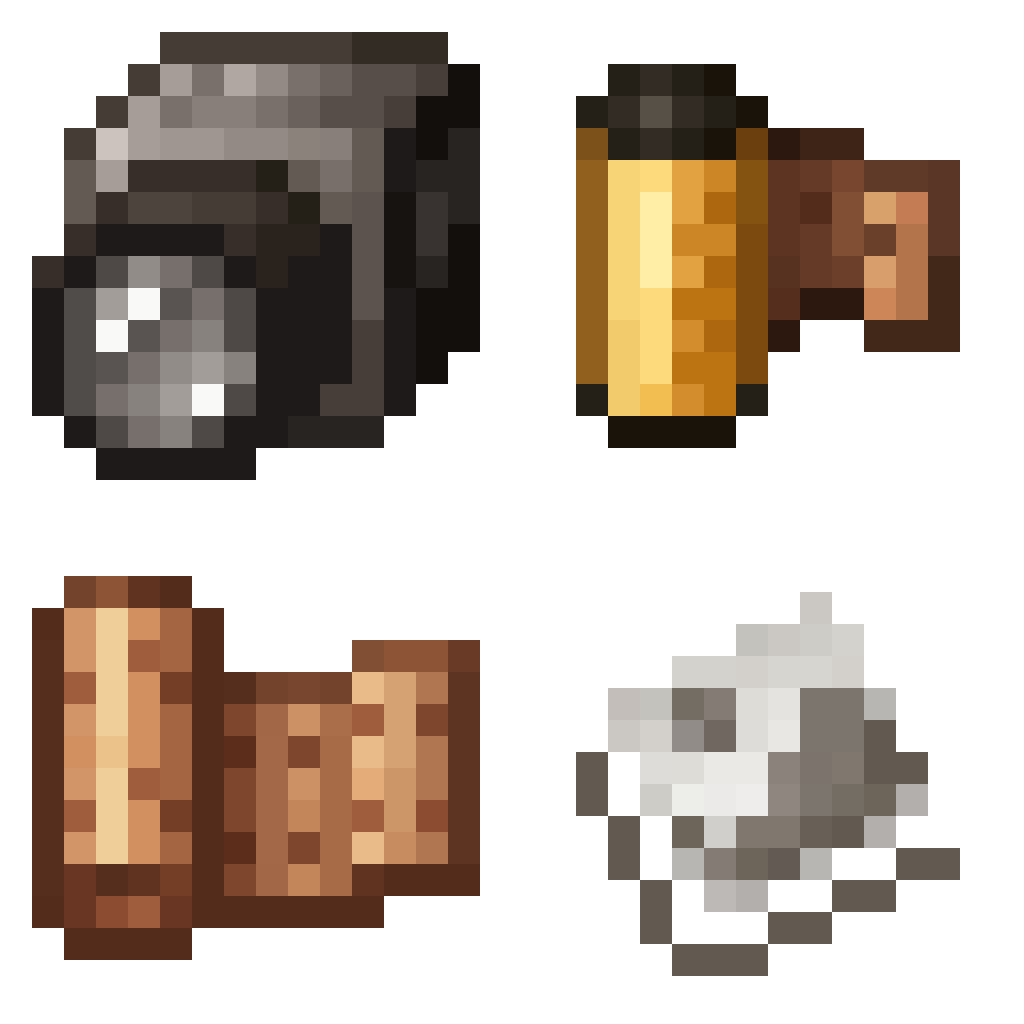
Exposure
Camera mod with focus on process and aesthetics
About
Film photography mod
<br> <br> <img alt="Camera" width="1000" src="https://raw.githubusercontent.com/mortuusars/resources/main/media/exposure/page_camera.png"/> <br><br> <img alt="Film" width="1000" src="https://raw.githubusercontent.com/mortuusars/resources/main/media/exposure/page_film.png"/> <br><br> <img alt="Developing" width="1000" src="https://raw.githubusercontent.com/mortuusars/resources/main/media/exposure/page_developing.png"/> <br><br> <img alt="Printing" width="1000" src="https://raw.githubusercontent.com/mortuusars/resources/main/media/exposure/page_printing.png"/> <br><br> <img alt="Photograph" width="1000" src="https://raw.githubusercontent.com/mortuusars/resources/main/media/exposure/page_photograph.png"/> <br><br> <img alt="Additional Features" width="260" src="https://raw.githubusercontent.com/mortuusars/resources/main/media/exposure/page_additional_features.png"/> <br><br> <img alt="Chromatic" width="1000" src="https://raw.githubusercontent.com/mortuusars/resources/main/media/exposure/page_chromatic.png"/> <br><br> <img alt="Interplanar Projector" width="1000" src="https://raw.githubusercontent.com/mortuusars/resources/main/media/exposure/page_projector.gif"/> <br><br> <a href="https://modrinth.com/mod/exposure-polaroid"><img alt="Polaroid" width="1000" src="https://raw.githubusercontent.com/mortuusars/resources/main/media/exposure/page_polaroid.png"/></a> <br><br> <a href="https://modrinth.com/mod/exposure-catalog"><img alt="Catalog" width="1000" src="https://raw.githubusercontent.com/mortuusars/resources/main/media/exposure/page_catalog.png"/></a> <br><br> <img alt="Negatives" width="1000" src="https://raw.githubusercontent.com/mortuusars/resources/main/media/exposure/page_negatives.png"/> </div> <br> <details> <summary>Description in text form</summary> <h3>Camera</h3>- Operating the Camera is simple: load a Film Roll, open the Viewfinder, compose your shot and release the shutter.<br>
- Press/Hold Sneak when looking through Viewfinder to control Camera settings: Focal Length, Shutter Speed, Flash mode, Composition Guides.<br>
- Use the Camera while sneaking to open the Attachments window,
where you'd be able to:
- Load a Film
- Equip the Flash (Redstone Lamp)
- Modify the Lens (Spyglass)
- Put a Filter on the lens (Glass Panes)
- To capture an image you'll need to expose light-sensitive film.
- You can use simpler black and white film or, more sophisticated and harder to make and process, color film.
- Single film roll can fit 16 frames on it.
- Developing is required to prepare film for printing.
- Photographs are printed with the help of a Lightroom block.
- Negatives can be previewed before printing to help you choose the best exposure.
- Black and white print requires Paper and Black Dye. Color print will require Cyan, Magenta and Yellow dyes on top of that.
And finally, you have your Photograph - a captured moment in time! Now it's time to admire the result, hang it on the wall, share with friends, sell it to the National Geographic. The possibilities are endless.
</details> <iframe width="1000" height="350" src="https://www.youtube.com/embed/HI9Bnjc9HYs" title="YouTube This Mod Adds Photography in Minecraft!" frameborder="0" allow="accelerometer; autoplay; clipboard-write; encrypted-media; gyroscope; picture-in-picture; web-share" allowfullscreen></iframe> <br><br> <div align="center"> <h1><a href="https://moddedmc.wiki/en/project/exposure/latest/docs">Wiki</a></h1>Known incompatibilities:
</div>- Optifine - known for causing problems with other mods. Use Sodium/Embeddium instead.
- Visual Overhaul - crashes when opening camera controls - GitHub Issue
- Exordium - causes issues and flickering when looking through viewfinder.
- FastAnim (Fabric) - breaks player model animations with camera. Github Issue
Enjoying the mod? Your support would allow me to continue working on it and on other mods!
<img alt="Patreon" src="https://raw.githubusercontent.com/mortuusars/resources/main/media/banners/patreon.png" width=500/> <img alt="PayPal" src="https://raw.githubusercontent.com/mortuusars/resources/main/media/banners/paypal.png" width=98/>
</div>Versions
## 1.9.14 - 2026-03-04 - Added compatibility with **Easy Anvils** for Interplanar Projector extended renaming length. - Fixed mod icon.
## 1.9.18 - 2026-03-04 - Removed Photograph tooltip that explains copying recipe (when JEI is not installed) for the time being, because it was not working as expected. - Fixed log spam when trying to retrieve photograph id in some cases. - Added log message when custom film color palette is not found.