
MakeUp - Ultra Fast
MakeUp aims to provide the best quality / performance ratio, building a shader that can be adapted to anyone's resources.
About
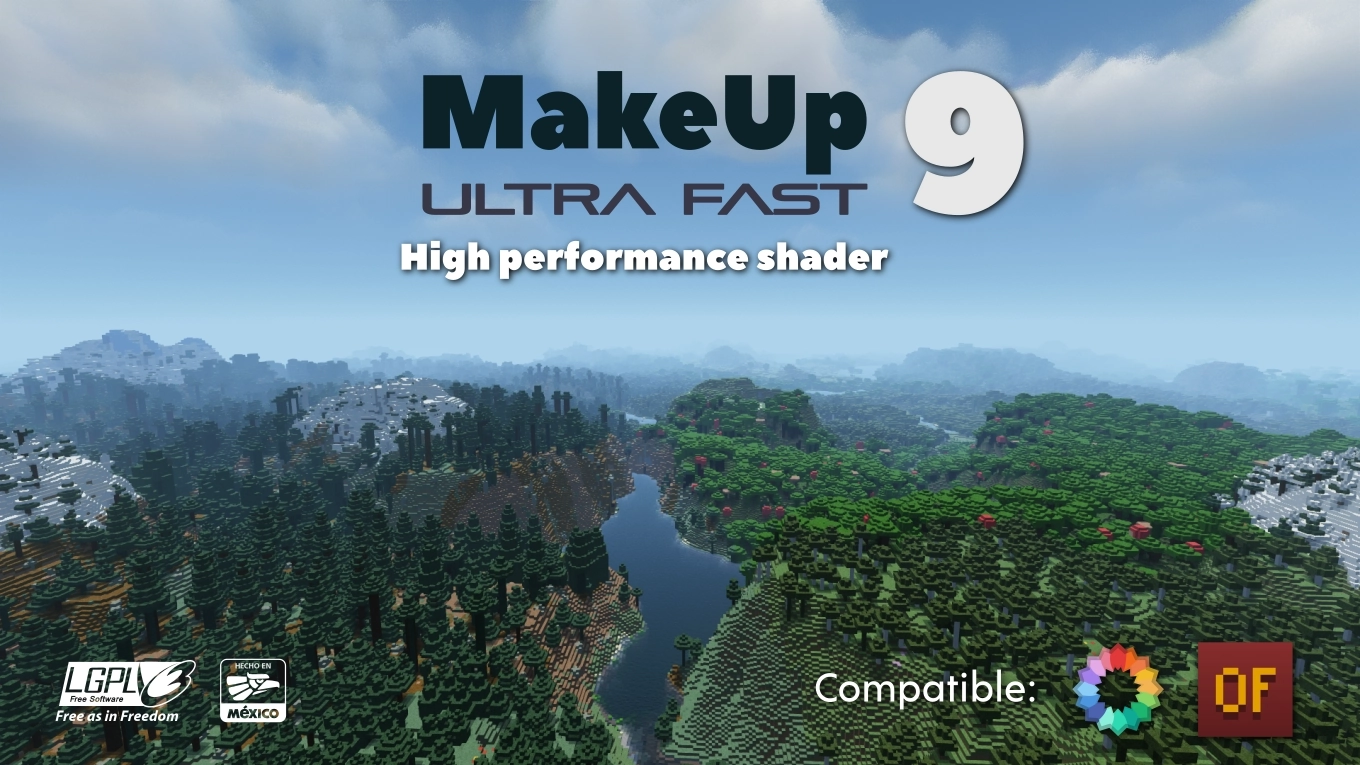
MakeUp Ultra Fast
MakeUp aims to provide the best quality / performance ratio, building a shader that can be adapted to anyone's resources. Build the shader you want! All the effects are optional!, and you will only consume the resources that you need.
¡Compatible with Optifine and Iris!
Optional features:
- Shadows
- Optional volumetric clouds
- Antialiasing (TAA)
- Depth of field
- Enhanced ambient occlusion
- Water reflection and refraction
- Motion blur
- Optional bloom
- Optional chromatic aberration
- Auto-exposure
- Shader for all native dimensions
- FAST!
- And more...
Tested on
- Minecraft 1.12.+ - 1.21.x
- Nvidia, Intel, AMD (It's not guaranteed to work on each and every existing model)
- Windows and Linux
You can
- You can use the shader without restrictions.
- You can fork the shader from: https://github.com/javiergcim/MakeUpUltraFast
- You can modify this shader for any purpose.
- If you modify or use the shader PLEASE add a credit.
Color schemes
It can be boring that everything looks the same all the time. Choose a color scheme according to your tastes and change it whenever you want.
Recommendations
Leave Optifine's native shader options at their default values, otherwise you may see shader quality reduced. Customize using only the options of the shader itself.
Shadows and depth of field are resource-intensive effects. You can remove them if you need more performance, and it will still look great.
Donation
If you think this work deserves a small stipend, please donate! I will be eternally grateful to you:
Versions
# Changes - Improved support for Aurora’s Lanterns (lighting inconsistencies with the lanterns – only works in newer versions).
# Changes: * Temporary regression to flaming-entity detection due to a flickering issue with objects placed in item frames, caused by a hypothetical bug in Iris on Windows. The functionality will be restored once the flickering issue is fixed.
# Changes * Improved support for flaming arrows and mobs (Iris only). * Improved the visual quality of motion blur when temporal supersampling is enabled. * Restored compatibility with older Minecraft versions in OptiFine (≤ 1.16.x) for non-NVIDIA GPUs. * Began unifying the variable naming style in the shader code to make it clearer and less chaotic. More changes will follow in future versions.
Download
Download v9.4cMinecraft: 1.12.2, 1.13, 1.13.1, 1.13.2, 1.14, 1.14.1, 1.14.2, 1.14.3, 1.14.4, 1.15, 1.15.1, 1.15.2, 1.16, 1.16.1, 1.16.2, 1.16.3, 1.16.4, 1.16.5, 1.17, 1.17.1, 1.18, 1.18.1, 1.18.2, 1.19, 1.19.1, 1.19.2, 1.19.3, 1.19.4, 1.20, 1.20.1, 1.20.2, 1.20.3, 1.20.4, 1.20.5, 1.20.6, 1.21, 1.21.1, 1.21.2, 1.21.3, 1.21.4, 1.21.5, 1.21.6, 1.21.7, 1.21.8, 1.21.9, 1.21.10, 1.21.11
Loaders: iris, optifine